
How to halve PDF pages
Select the files whose pages you want to halve or drag & drop them into the file box and start the process. A few seconds later, you can download your new PDFs with halved pages.
Select the files whose pages you want to halve or drag & drop them into the file box and start the process. A few seconds later, you can download your new PDFs with halved pages.
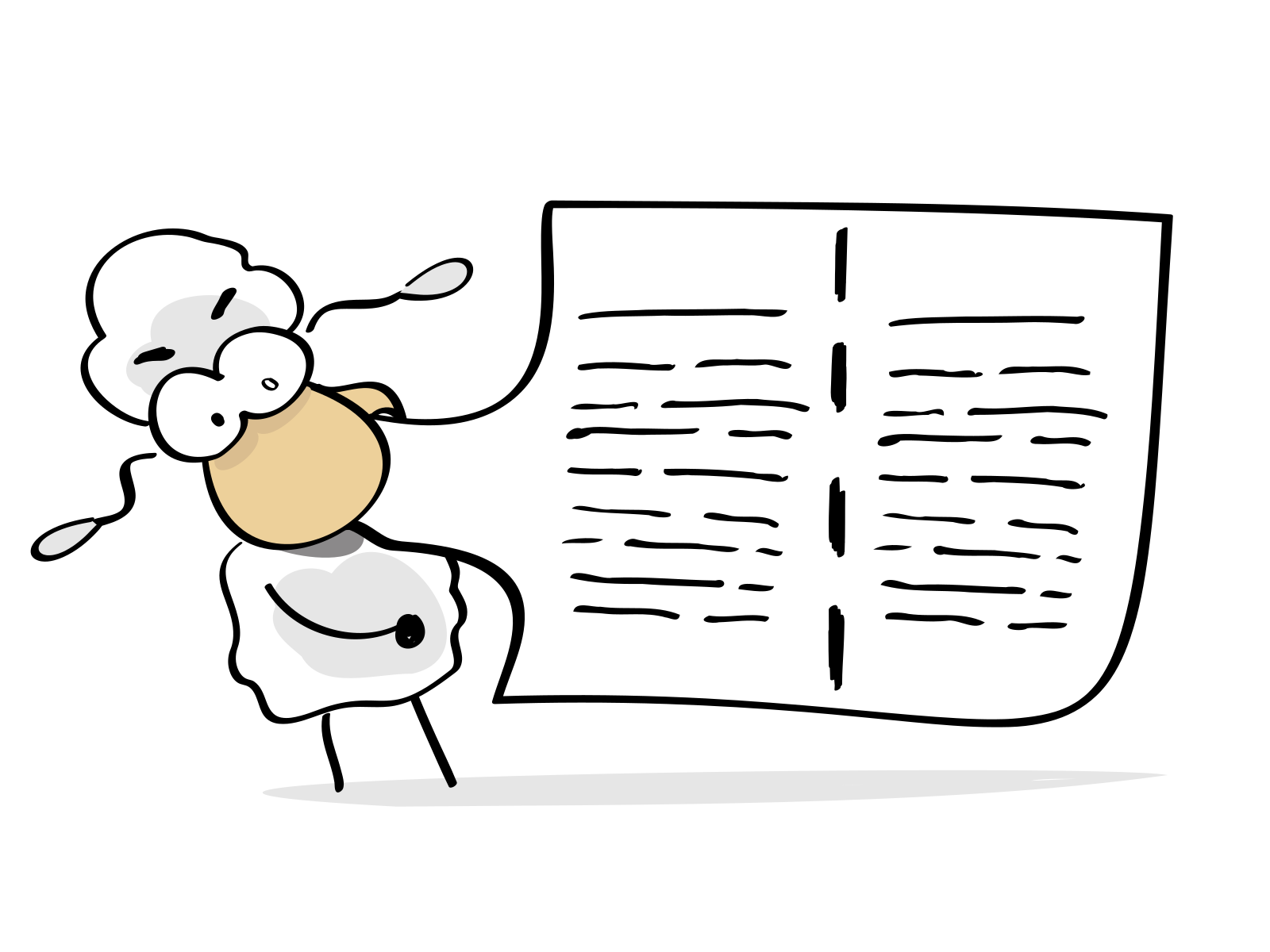
The pages in a PDF are cut in the middle. Two pages are always created from one page. An A4 page is turned into two A5 pages, an A3 page is turned into two A4 pages and so on.
PDF24 makes it as easy and fast as possible to halve PDF pages. You don't need to install or configure anything, just select your files and start the removal process.
There are no special requirements for your system to halve PDF pages. This PDF24 app works with all common operating systems and browsers.
You do not need to install any software. The pages are cut in half on special PDF24 servers. There is no load on your system and no special requirements are needed.
This tool does not store your files on the PDF24 servers any longer than necessary. Your files and results are completely removed from the PDF24 servers after a short time.
